View all guides
Connecting a phone to the Internet Box+
Installation GuideBefore you begin
The actual model of the appliances may differ from the illustrations.
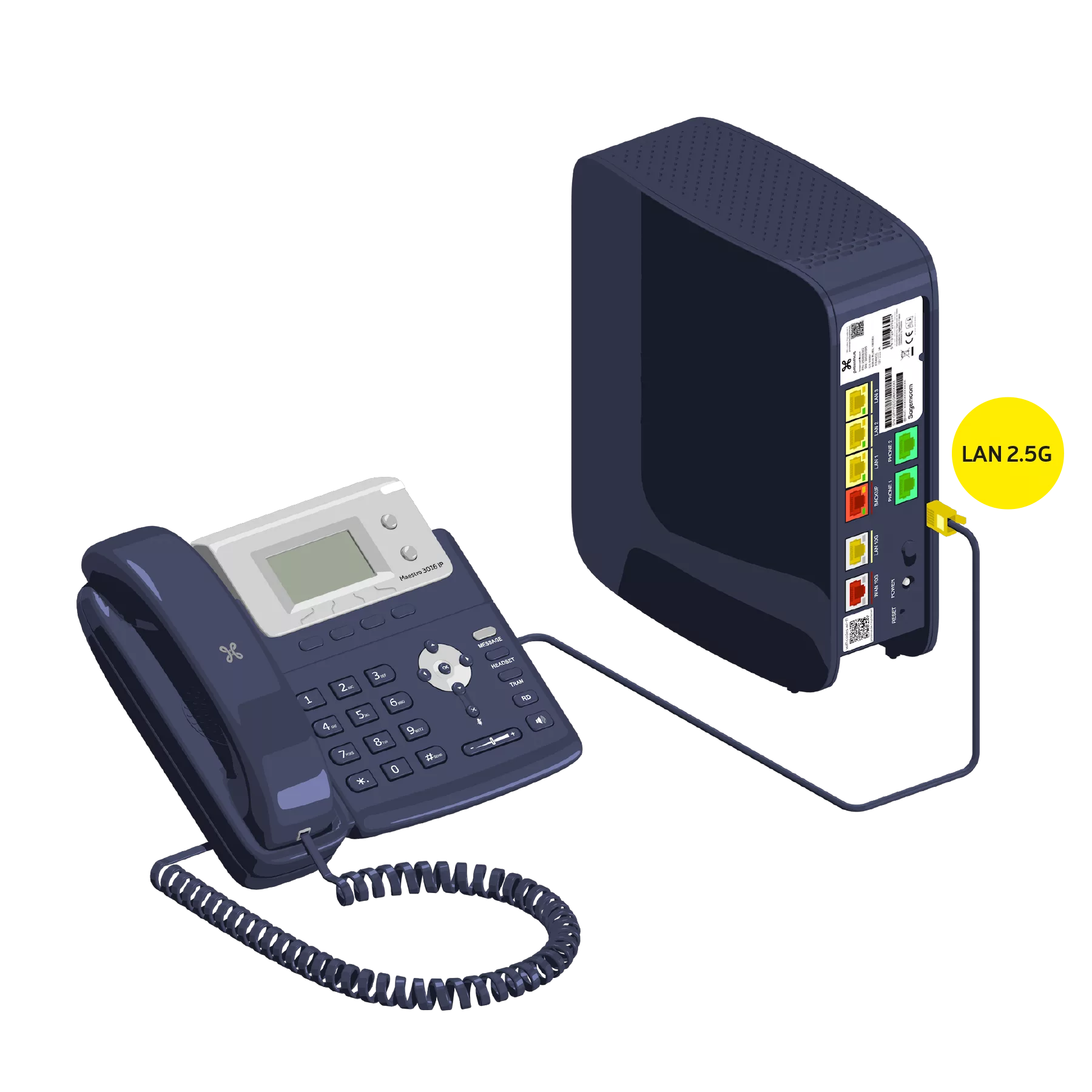
Connecting an IP phone
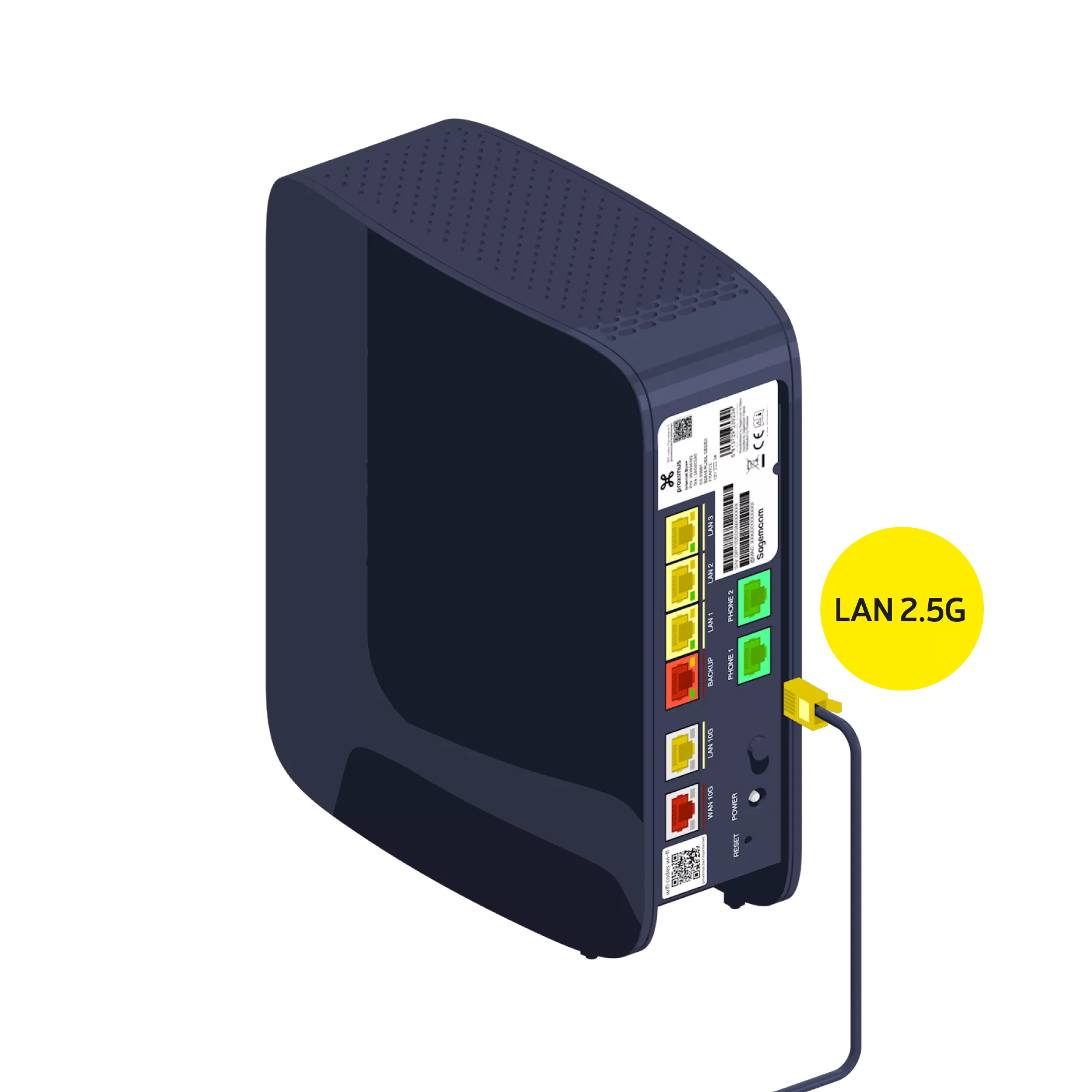
Use the Ethernet cable and connect it to one of the yellow LAN ports (1, 2 or 3) on the back of the Internet Box+. It will be configured automatically after about 30 minutes.
There you go, you can make your phone calls now!