View all guides
Connect a phone
Installation GuideBefore you begin
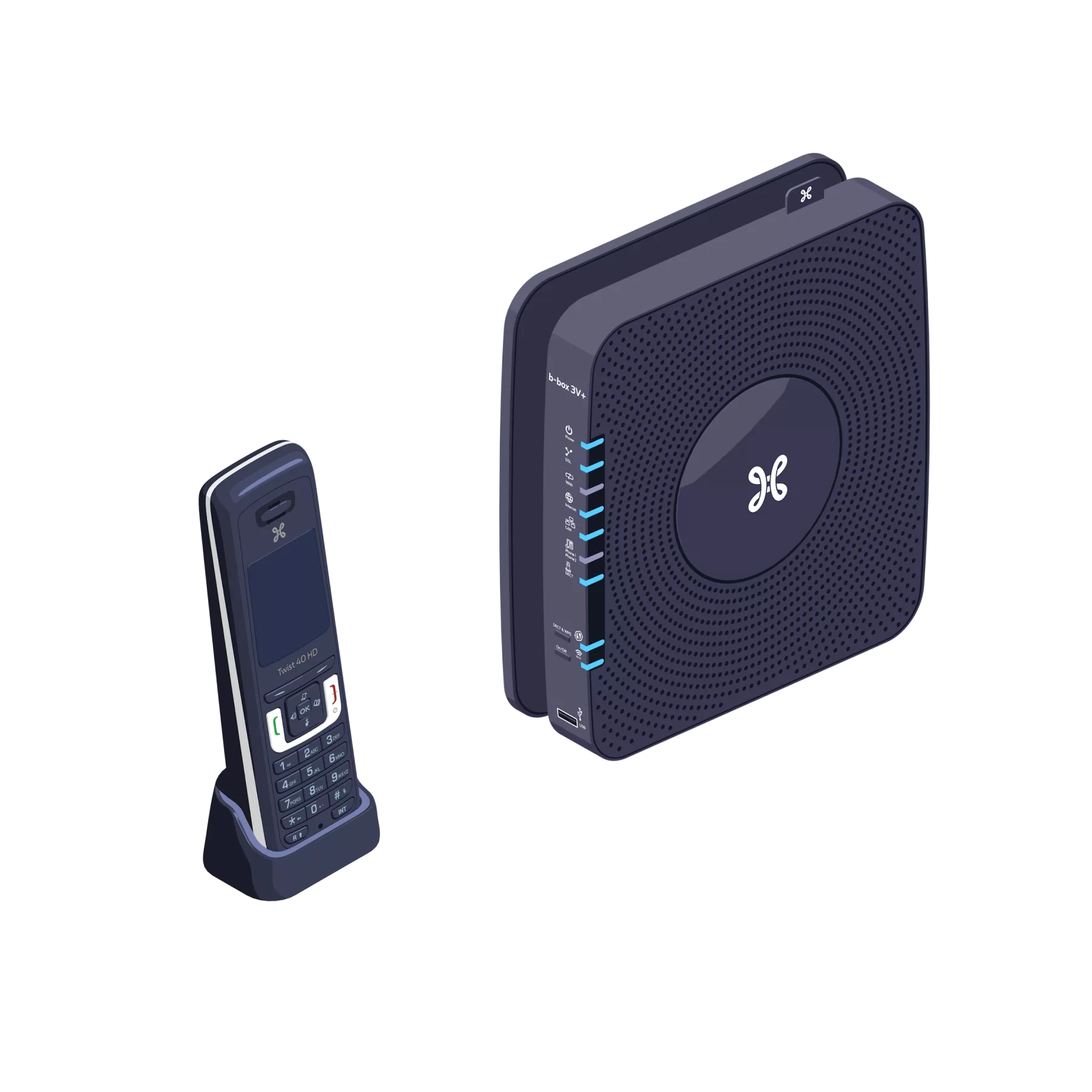
The actual model of the devices may differ from the illustrations.
You can connect up to 4 DECT handsets (Type Twist 40 HD) to the b-box 3V+. To benefit from services such as shared contacts between handsets or HD sound quality, these handsets must support the CAT-iq 2.1 standard.
You can connect up to 4 DECT handsets (Type Twist 40 HD) to the b-box 3V+. To benefit from services such as shared contacts between handsets or HD sound quality, these handsets must support the CAT-iq 2.1 standard.
Pair the phone
Put the handset into pairing mode as described in its user guide.
Put the base station into pairing mode by pressing and holding the DECT & WPS button until the Indicator light flashes.
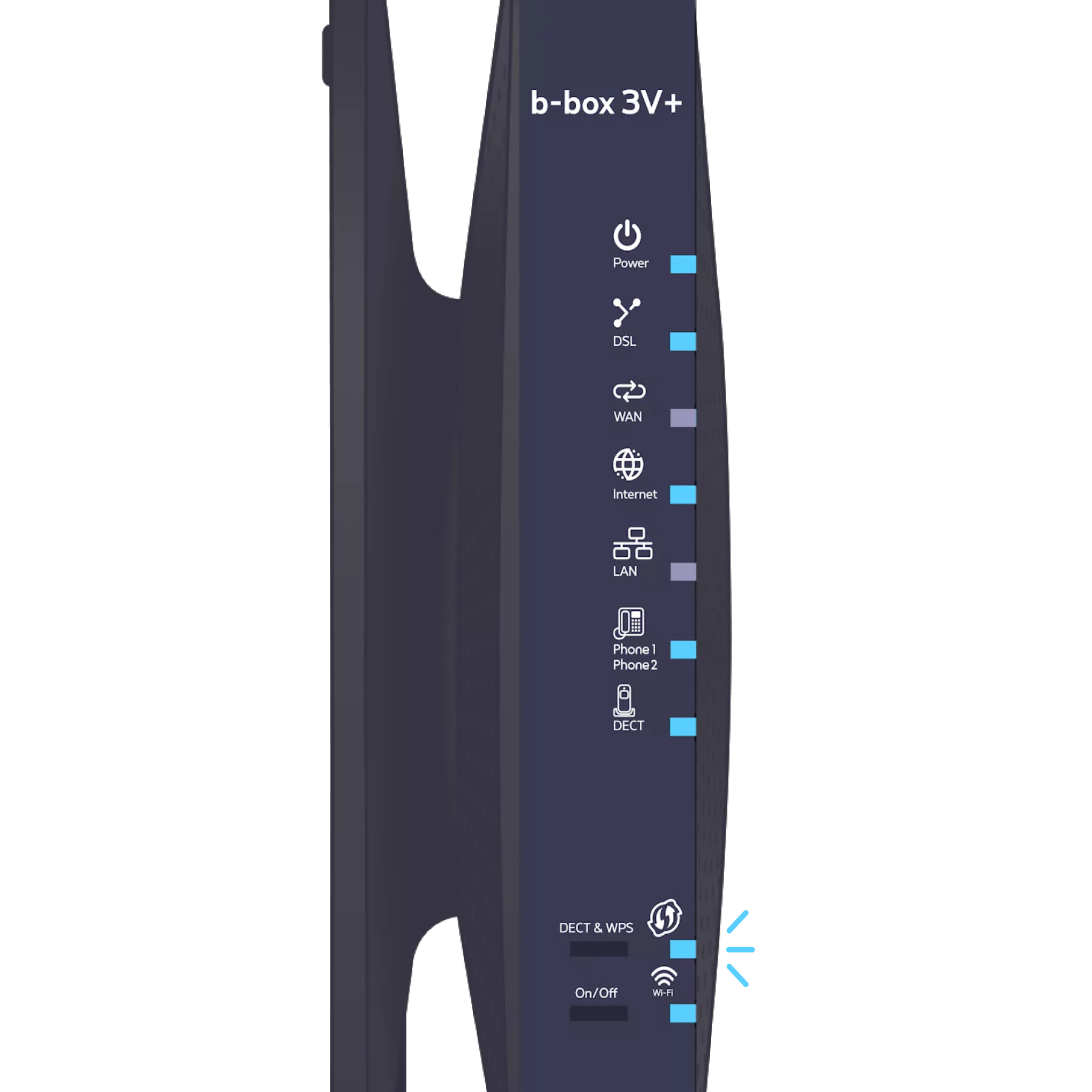
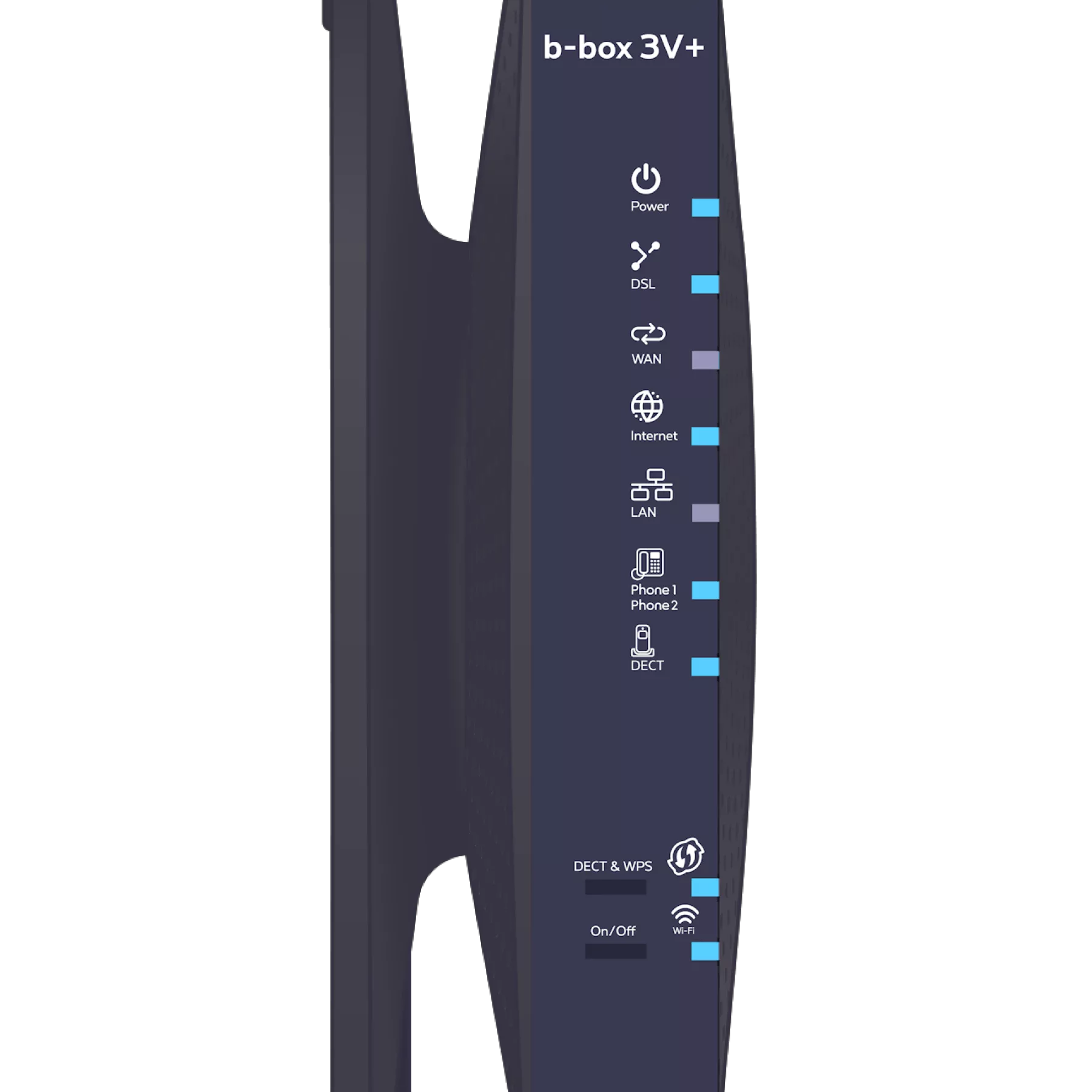
The DECT & WPS indicator light stops flashing when the operation is complete.
-
Please note that the person you are calling must have an HD phone for you to enjoy HD quality during the call.
There you go, you can make your calls now!