View all guides
Logging in to the internet via the b-box 3V+
Installation GuideBefore you begin
Select the type of connection you require.
Your wireless network is already secure!
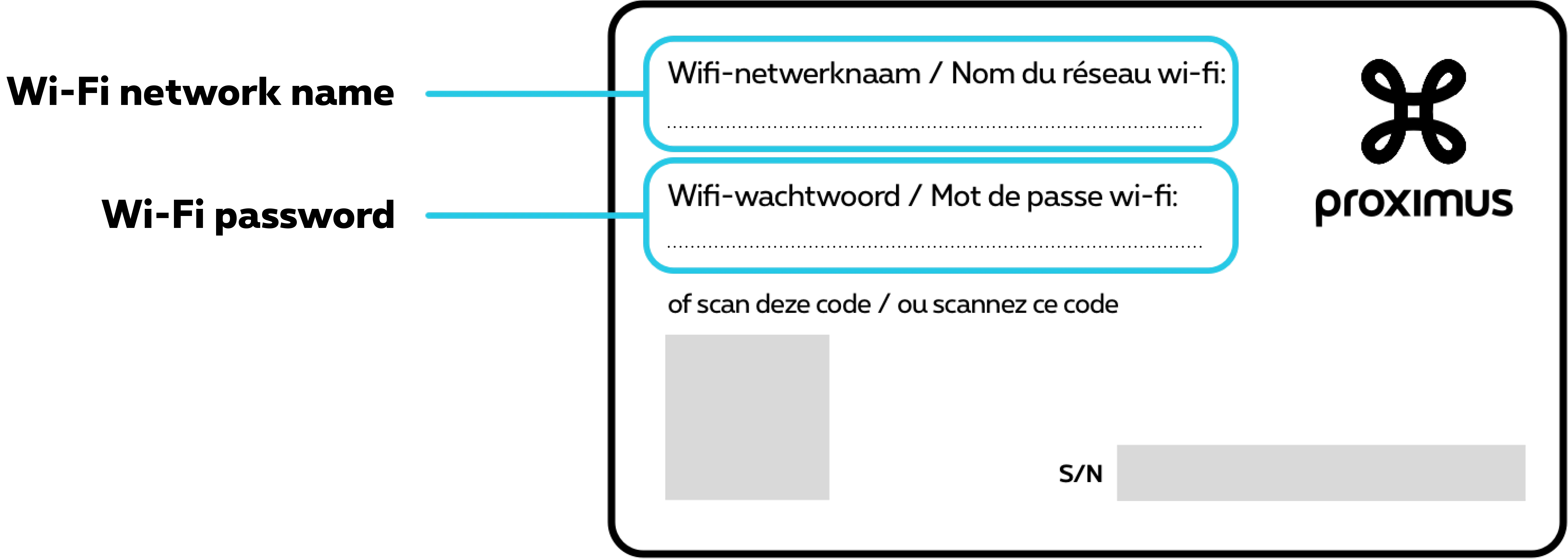
Copy the Wi-Fi access codes
The Wi-Fi access codes can be found on the label underneath your b-box. Handy when your friends come round and want to go online!
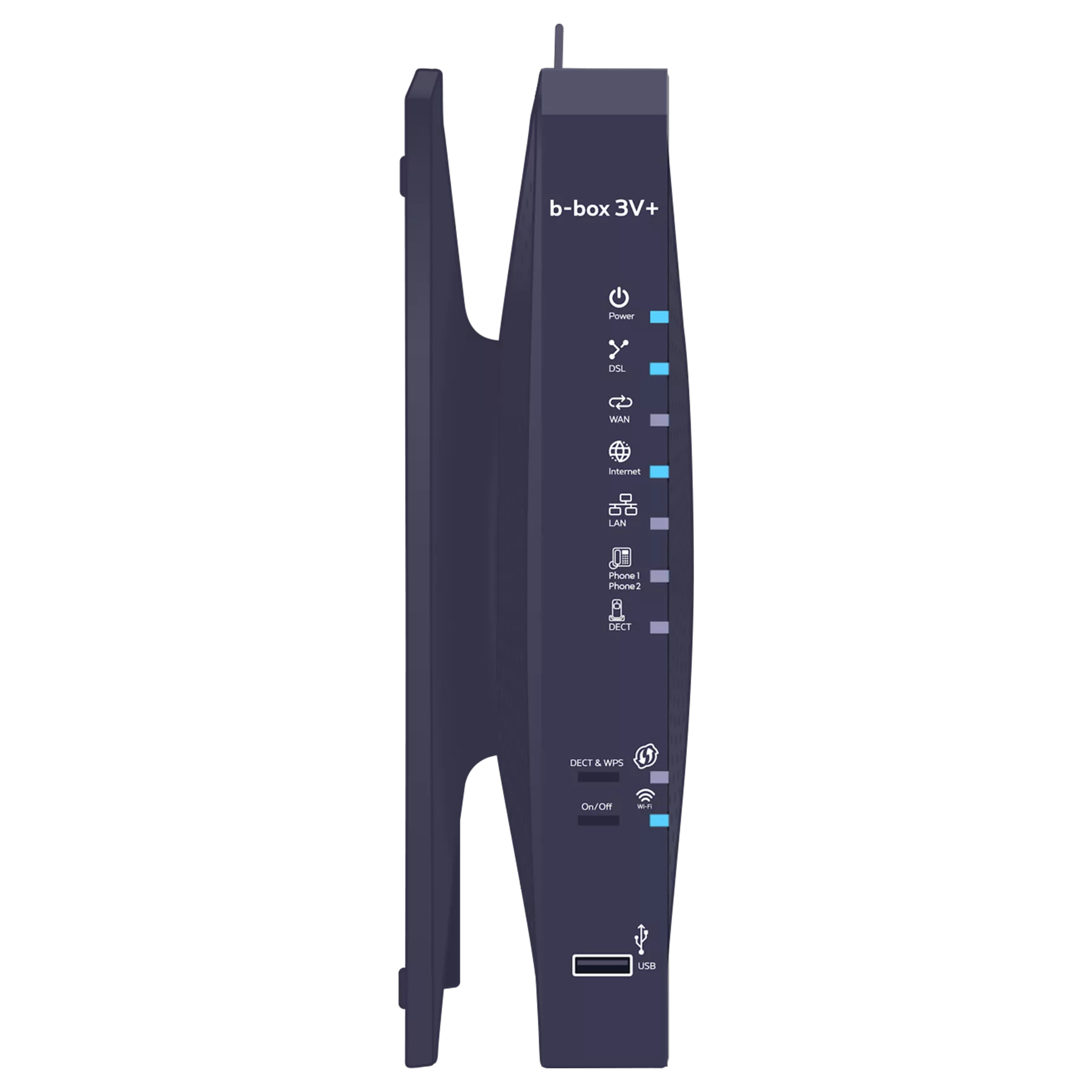
Check that the Wi-Fi indicator light is turned on
-
Press and hold the On/Off button next to the Wi-Fi indicator light for 2 seconds to activate it.
Connect your devices
Select the name of your Wi-Fi network from your computer, tablet or smartphone.
If two network names (Wi-Fi 2.4 and 5.0) appear, you can carry out these steps for both networks. Log in to them. Enter your Wi-Fi password.
Further information is available on how to
connect your specific devices to the Wi-Fi network
.
Restart your devices in the following order: wireless devices connected to your b-box, followed by your wireless devices connected to your TV Boxes or computers.
There you go – you can now enjoy the Internet!